Thinking Through Moving Image 23 June 2020
__________________________________________________________________________________________________________________________
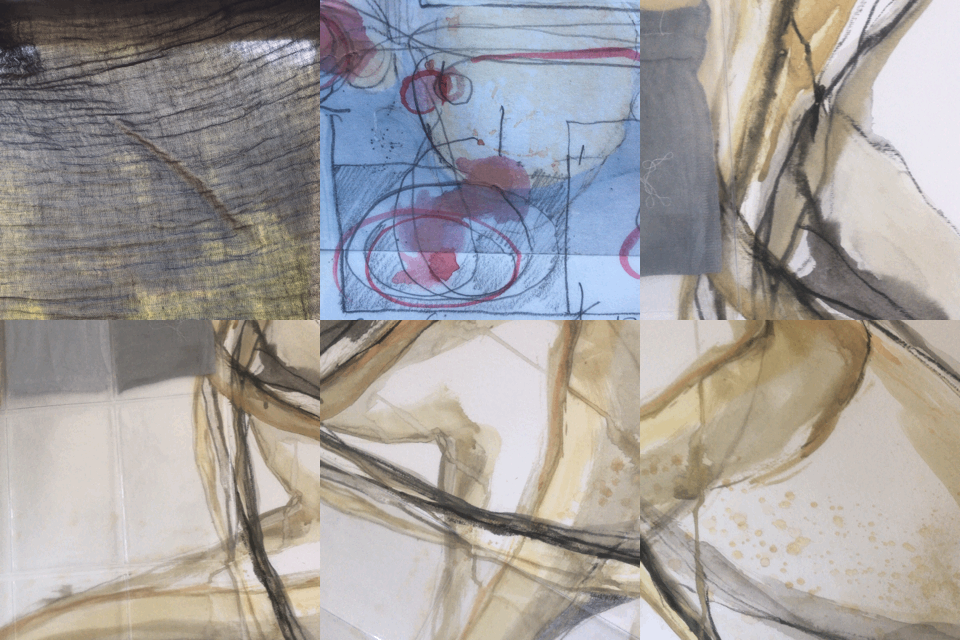
iMotion movie 2, Confinement
23 June 2020
‘Thinking through Moving Image’ 23 June 2020
Academic Support course taught by David McGovern
This course was very interesting and useful and helped me see moving image as another creative tool rather than obsessing about the technology. During the two hour course we made two short movies using iMovie, uploaded them and shared them with each other. It was a really good use of the time as it not only broke up two hours of screen time but meant we learnt through doing rather than theorising. There were just seven students which was a good size group and meant there was time for everyone to fully participate and for David to give feedback on our films. It was helpful to see what other people had done and hear David’s comments on each as unsurprisingly we all had different approaches and the comments from David sparked many more ideas.
Using iMovie means you have greater control over the frames per second than using ‘video’ in your camera settings. 24/25 frames per second (fps) gives a smooth frame motion, slowing down to 12 fps or less means some motion is missing. High speed cameras 120 fps or 800 fps are used for filming sport events and can capture a moment, a second in real time, that can then be slowed down to view in the event in detail. Slowing a film down can make it more impactful.
The first exercise was called ‘What do you see?’ and was about observation. We had to make a film of what was around us without having a narrative in mind, just observing with new eyes, as if we’d never seen our immediate environment before. We had to capture 20-30 frames and then to experiment with the fps. When we were happy with the speed we had to export the movie as a GIF to our Photo Library and then upload it to Padlett website to share with the other students on the course. As we exported the films as GIFs they are effectively on a continuous loop with no apparent beginning and end.
My film was of my ‘Home Studio’, I filmed some of the fabric on my bench close up and through the polythene bag it is in that had interesting reflections on it. David’s comments were moving between foreground and background works well and filming through polythene or other translucent or transparent materials is a useful tool that can be used to good effect to blur images.
The second exercise had more of a narrative and was about ‘Seclusion’ or our experiences of lockdown. I experimented with moving the camera angle around some of my work which creates interesting effects of falling or swirling. David suggested trying some stop motion filming as another way of doing this – setting up the camera/phone on a make-shift tripod and moving the work, capturing each movement by either setting the time lapse feature or taking a series of frames manually.
It was suggested the three things to consider when making simple films are pace, perspective and presence. Pace is the sped to the film and the effects this can have. Perspective is the angle it is filmed from or to be seen at, David gave the example of Pipilotti’s work, this is often physically set-up, so the viewer has to lie on the floor and watch it projected on the ceiling. Presence is creating a sense of physical presence in the work, using lighting or even audio. We talked about adding simple audio either voice overs or sounds and the effect these can have. David suggested lots of people’s work to look at such as Marina Abramovich The Artist is Present, Bruce Nauman Mapping the Studio and Pipilotti Rist Pixel Forest, Siobhan Davies All this can happen using archive footage, but my favourite is High Priestess link which uses just a few visual elements and very effective voice over.